
When telling a great story, having great visuals to match goes a long way to setting the tone. In Maps VTT, our Reveals Browser lets DMs show off the incredible art from our books: landscapes and scenery, treasures and puzzles, characters and monsters. But sometimes a piece of custom art is needed to tell the tale - especially for entirely homebrew campaigns!
Today we're introducing Custom Reveals for Master Tier subscribers, a new feature in Maps that lets a DM reveal their own images (or videos!) directly to their players. Simply drag and drop an image from your computer straight onto the Reveals Drop Zone...
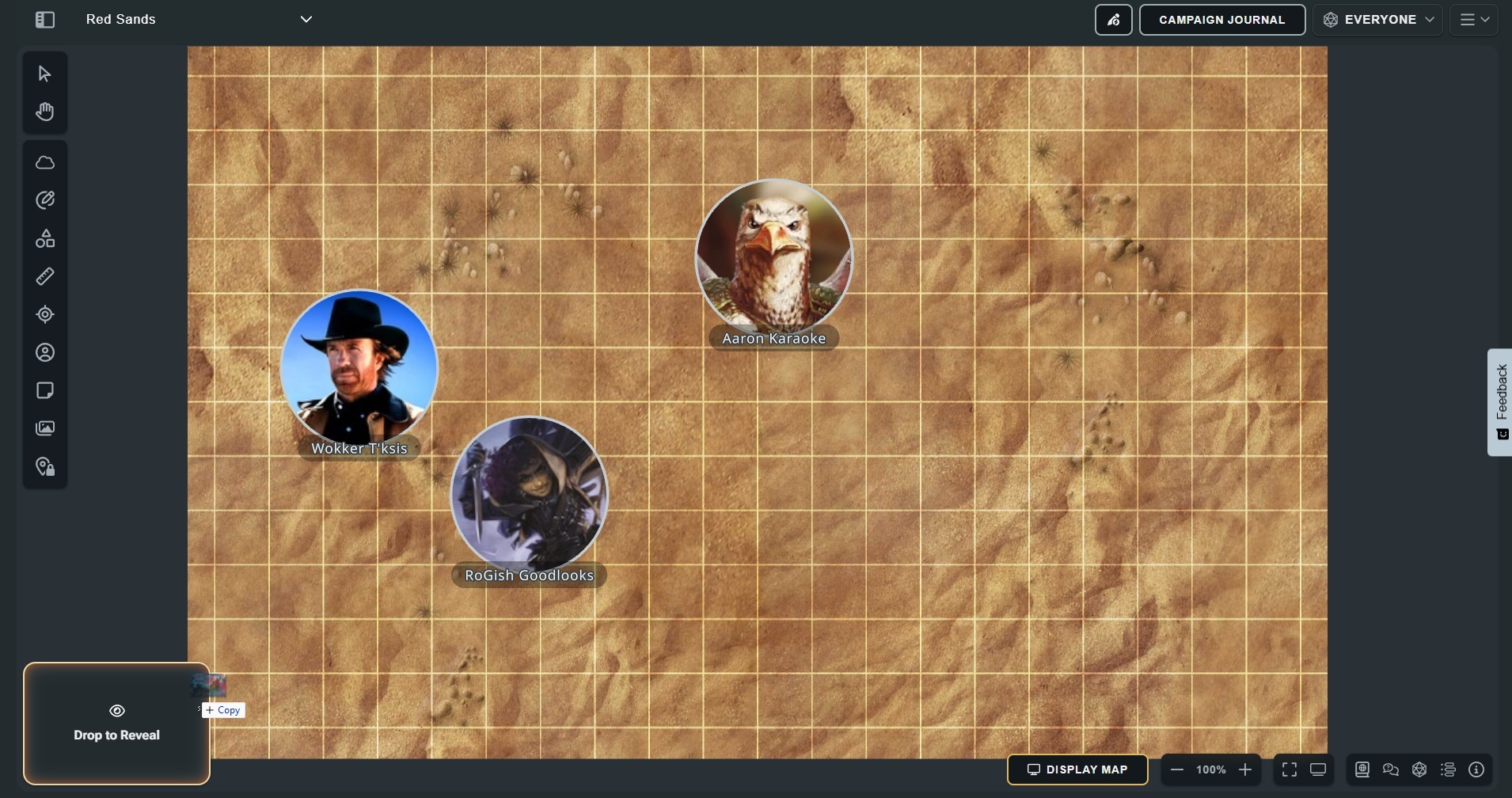
...and share it with the table.
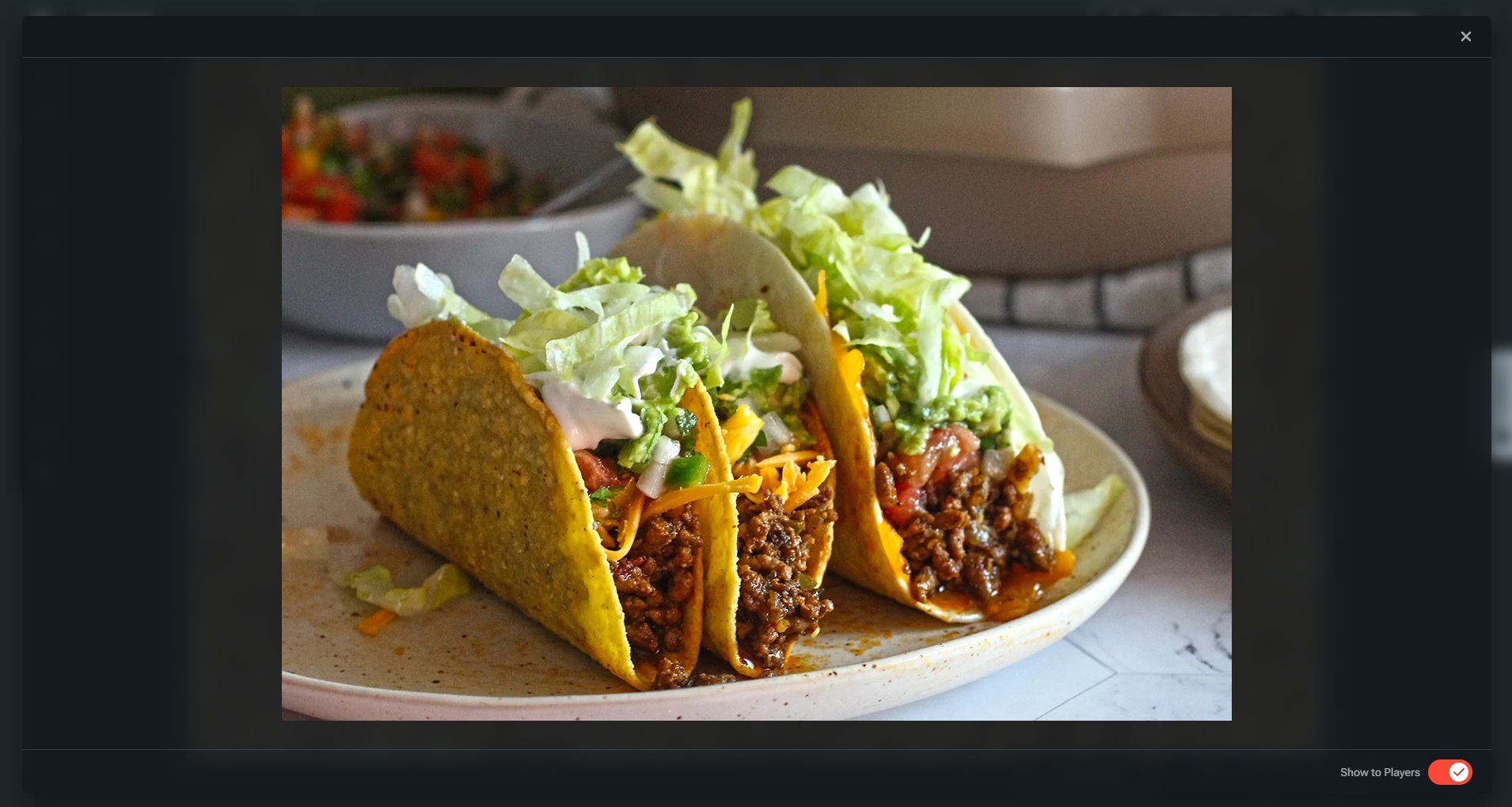
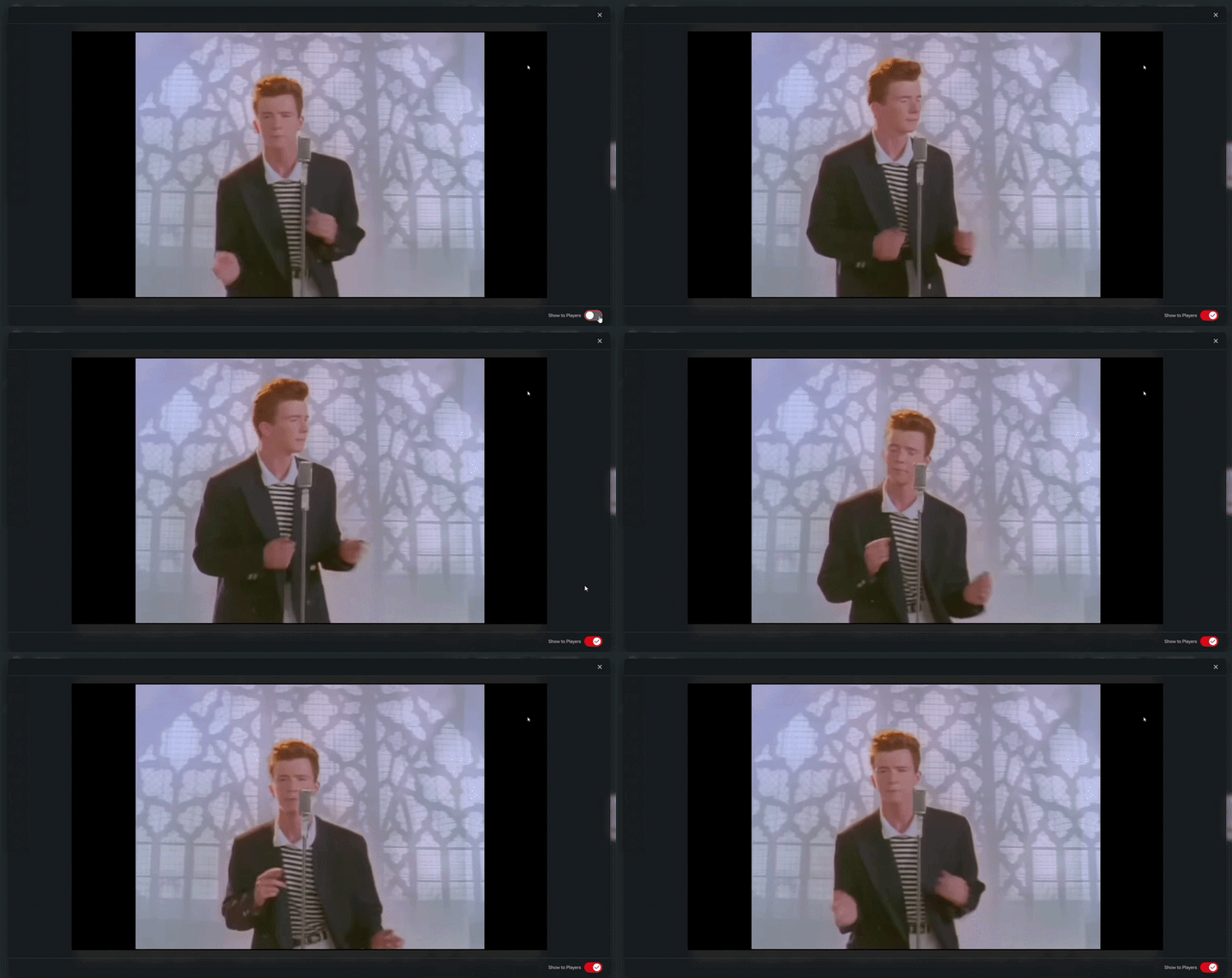
Custom Reveals supports images in JPG, PNG and webp formats, and videos in webm and MP4. (And animated gifs coming soon!) So share that custom art or favorite cat video! Just don't rick-roll the table.
Custom Reveals is just the beginning. We’ll be releasing Custom Stickers and Custom Token Art soon, along with a fully-functional Custom Uploads library system, but wanted to get this first iteration of session-based custom uploads into the hands of DMs as early as possible.
Go check it out, we'd love to hear what you think. Chat with us in the D&D Discord, on the D&D Beyond forums, or on the r/dndbeyond subreddit.
I’ll see you out there.
WotC_Scott
-
View User Profile
-
Send Message
Posted Sep 23, 2026I'm just sad that its only for master tier
-
View User Profile
-
Send Message
Posted Sep 23, 2026Wait this is cool! I could make an animation or something like that of the monster appearing or something cool like that. This is awesome!
-
View User Profile
-
Send Message
Posted Sep 23, 2026Is the Reveals drop zone not appearing for anyone? It is not for me.
-
View User Profile
-
Send Message
Posted Sep 23, 2026If you're a master tier subscriber, it should appear when you drag a file over an active Maps VTT map, in the lower left corner. Still not seeing it?
-
View User Profile
-
Send Message
Posted Sep 23, 2026I did it! I guess I was misreading the instructions. It works perfectly. This is really cool thank you!
-
View User Profile
-
Send Message
Posted Sep 24, 2026Yassss~!
-
View User Profile
-
Send Message
Posted Sep 24, 2026Kudos for rickrolling your community.
-
View User Profile
-
Send Message
Posted Sep 24, 2026Oh Damn, Scott just Rick Rolled us all.
-
View User Profile
-
Send Message
Posted Sep 24, 2026I am once again asking for transparent PNG support for tokens. Wolf shaped wolfs dragon shaped dragons tentacle shaped tentacles are so much more dynamic than circles the rules be dammed.
-
View User Profile
-
Send Message
Posted Sep 25, 2026please please ad some gridding option
-
View User Profile
-
Send Message
Posted Sep 25, 2026Love that this was added, but I have to gripe about the speed.
Yes, I know that you're uploading my image and dumping it into the CDN so that players on remote computers can download it, and that takes time.
But the delay is awkward enough to break the pace of storytelling-- "You slash at the thick wall of vines in front of you. They part at the kiss of your vorpal blade, revealing... hang on... ok nope, gotta reveal to players... did you get it yet? Jordan's on their phone with only 3 bars... So yeah, it's the BBEG."
Suggestions:
1- Let me choose if "Reveal to players" is on or off by default to eliminate a click
2- Allow me to upload these when I build the map, then cache them with the other map assets on the initial download, so there's as little delay as possible-- when I click Reveal, the player is seeing an image that's already on their device
I know someone's going to say "Well, you can upload it when you start talking, then hit 'reveal to players' at the appropriate moment."
Doesn't quite work.
The image download doesn't start until I hit "Reveal," so poor Jordan's still screwed.
And if I'm reading from Scene Prep, at some point the upload takes over the screen and now I've lost my notes.
So next suggestion, which someone already made:
3- Let Scene Prep and the image live on the screen at the same time so I can start uploading the image before I need it. And so I can continue reading while the players enjoy the art
And if you don't wind up implementing Suggestion #2:
4- Don't wait for me to click "Reveal" to push the image to the players, send it out as soon as the asset is in the CDN
Right now, I've been faking this by making a homebrew character, hiding it from the players, and using the "Art" button to reveal it. The speed difference between that and drag-and-drop is enough, even with a 400k file, that I'll probably stick with that method for the moment.
And since that's not creating a new asset every time, it has the advantage of allowing me to pre-cache it-- we're all sitting around the same TV when we play, so I can load the image before the players show up, and now my reveal is as fast as I can click three times. (Character menu, Art, Reveal)
That also co-exists with Scene Prep-- I can pull up the character menu and leave it there while I read my notes, then click on Art at the appropriate moment and the delay becomes dramatic, not awkward. Still have to hide the art to get back to my notes, but it's better than stammering until the file's made its way through the CDN.
I wouldn't completely kill the drag-and-drop aspect of this, as it makes a lot of sense when everyone's remote and you need to show something you didn't plan on. But I'd love to see a more optimized path for the things I *did* plan on showing.
It seems like you're going to have to do most of this for Custom Tokens and Stickers anyway, so hopefully these suggestions make their way into that development.
-
View User Profile
-
Send Message
Posted Sep 26, 2026This seems like a great feature. Is it supported on iPadOS? Having trouble uploading image to try out this feature.
-
View User Profile
-
Send Message
Posted Sep 26, 2026I see the drop zone, but the share slider is disabled. Is there something that needs to be done to enable this?
-
View User Profile
-
Send Message
Posted Sep 27, 2026Is there a way to save it to the reveals browser for a specific campaign or map? That way I don't have to drag it every time I to the map from File Explorer when I want to display it.
-
View User Profile
-
Send Message
Posted Sep 27, 2026You need to have started the session. I think that's called "Share Map" now.
Open the spectator view in another tab. If you can't see the map, then the session hasn't started.
-
View User Profile
-
Send Message
Posted Sep 27, 2026I like it! Will there be a file storage/upload limit for our accounts?
-
View User Profile
-
Send Message
Posted Sep 27, 2026Is there a way to save reveal images from sourcebooks into the scenes themselves? looking them up and remembering which book has what is kind of tedious
-
View User Profile
-
Send Message
Posted Sep 27, 2026Ok, I see that this feature just shares custom images on spectator view, but the images are not retained on the map as a token, sticker or other piece of art. It just shows the customer image so it can be shared. I know they are still working showing custom images as tokens, which would be much more useful, so the image can be retained on the map. I can share art with my characters already on other tools, such as Discord. On a VTT, I'd expect something that actually stays around on the map. Well, either way, I at least how this works now. Eagerly awaiting custom token art as a future feature!
-
View User Profile
-
Send Message
Posted Sep 28, 2026This is awesome! Keep up the continued work! I am really looking forward to more stickers and related tools for that - being able to drop in new assets on the fly that are more interactable than a static map I draft beforehand would be great!
-
View User Profile
-
Send Message
Posted Sep 29, 2026This is a much needed feature, so thanks for including it, but please have a look at these suggestions from Jim, as they would greatly improve it.
Looking forward for the Custom Tokens and Stickers too!
Thanks