
When telling a great story, having great visuals to match goes a long way to setting the tone. In Maps VTT, our Reveals Browser lets DMs show off the incredible art from our books: landscapes and scenery, treasures and puzzles, characters and monsters. But sometimes a piece of custom art is needed to tell the tale - especially for entirely homebrew campaigns!
Today we're introducing Custom Reveals for Master Tier subscribers, a new feature in Maps that lets a DM reveal their own images (or videos!) directly to their players. Simply drag and drop an image from your computer straight onto the Reveals Drop Zone...
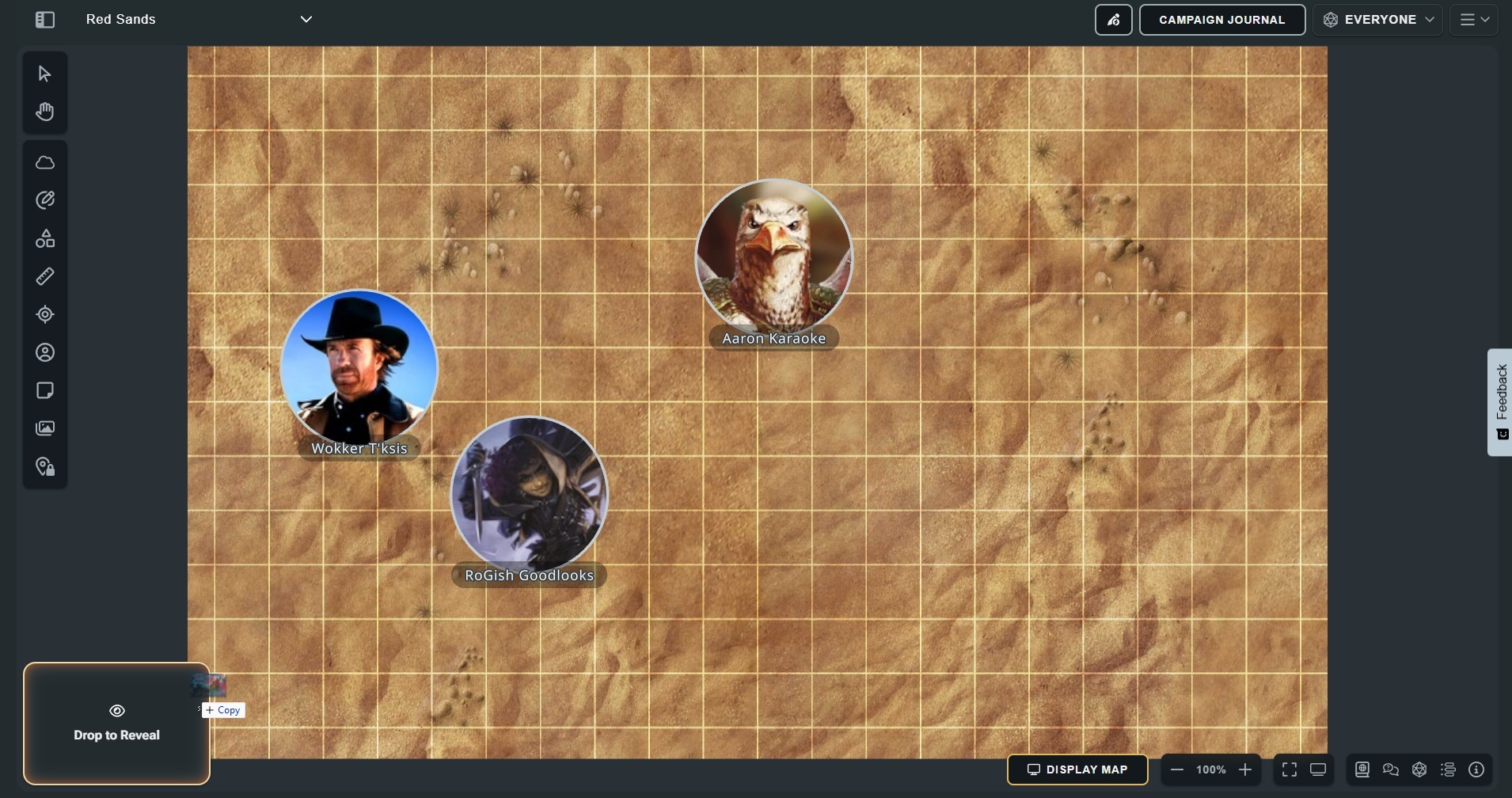
...and share it with the table.
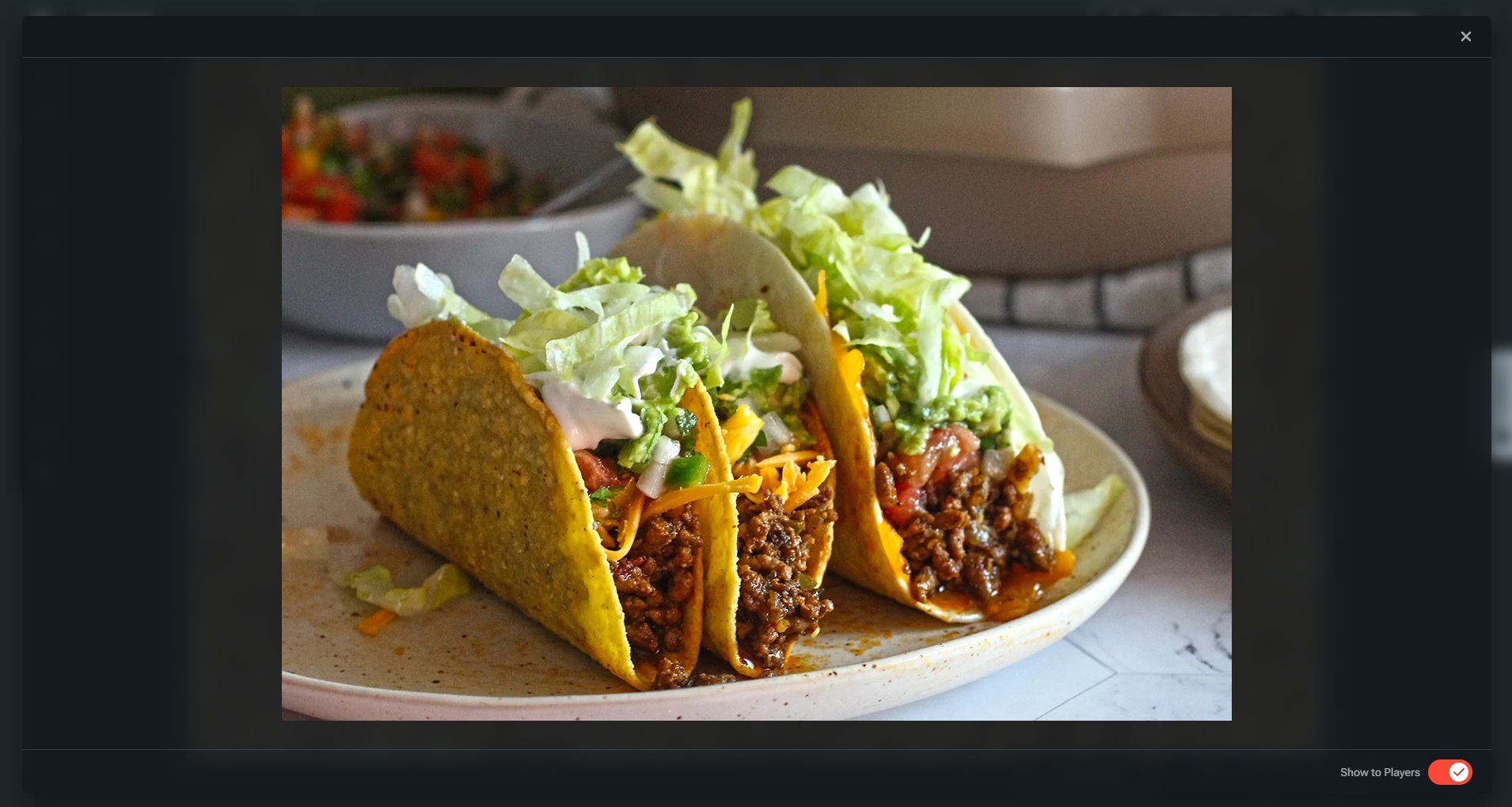
Custom Reveals supports images in JPG, PNG and webp formats, and videos in webm and MP4. (And animated gifs coming soon!) So share that custom art or favorite cat video! Just don't rick-roll the table.
Custom Reveals is just the beginning. We’ll be releasing Custom Stickers and Custom Token Art soon, along with a fully-functional Custom Uploads library system, but wanted to get this first iteration of session-based custom uploads into the hands of DMs as early as possible.
Go check it out, we'd love to hear what you think. Chat with us in the D&D Discord, on the D&D Beyond forums, or on the r/dndbeyond subreddit.
I’ll see you out there.
WotC_Scott
-
View User Profile
-
Send Message
Posted Oct 1, 2026I really want the reveals upload feature,
but I'm not seeing it in either of my campaigns. Do I need to do something to see it?Found it. Have to drag something onto the screen to see the drop location in the lower left. Thinking having this as a small flyout in the lower left would be good since hidden features are features much harder to find.
-
View User Profile
-
Send Message
Posted Oct 1, 2026Finally we arrive at the VTT standards :)
-
View User Profile
-
Send Message
Posted Oct 2, 2026-
View User Profile
-
Send Message
Posted Oct 14, 2026Prefect for a DM and the players, but mostly the DM.
-
View User Profile
-
Send Message
Posted Oct 15, 2026I am master tier subscription and cannot use the feature on my laptop using Modzilla Firefox. The dropdown doesn't appear. However, when I use my iPad and safari browser the dropdown appears, but I get an error message that the upload failed and to try again later. Please advise.
-
View User Profile
-
Send Message
Posted Oct 15, 2026Just tried this on Google Chrome and it works.
-
View User Profile
-
Send Message
Posted Oct 15, 2026The correct typo should be :
<html>
<p> hi </p>
</html>
In Commodore's Qbasic is more complicated ...... but OK